Published: February 11, 2026
Real StoryHow I Automated My Work with a Personal AI Agent
On January 29th, 2026, I gave an AI agent access to a Mac, my Discord, and my project folder. A few days later he deployed my game to production while I watched from my phone on the balcony. This is what happened.
By Leonidas Maliokas · Originally posted on X
The Dream Was Always This
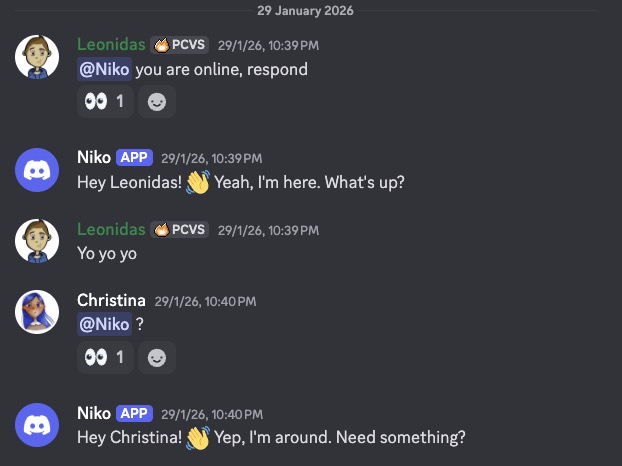
Talking to my AI and having it automate my actual work machine was always the dream. Not a chatbot in a browser tab. Not something that generates text and leaves me to copy-paste it somewhere. A real assistant on my computer that reads my files, runs my scripts, pushes my code, and does actual work.
I'd been watching the AI agent space for a while. Most solutions felt like toys or demos. Then I found OpenClaw, an open-source platform that lets you run an AI agent on your own hardware. It connects to your tools, your files, your messaging apps, and it actually does things. Not just talks about doing things.
I set it up on a Mac Mini M4. Named him Niko. And that's when things got interesting.
The First Real Test
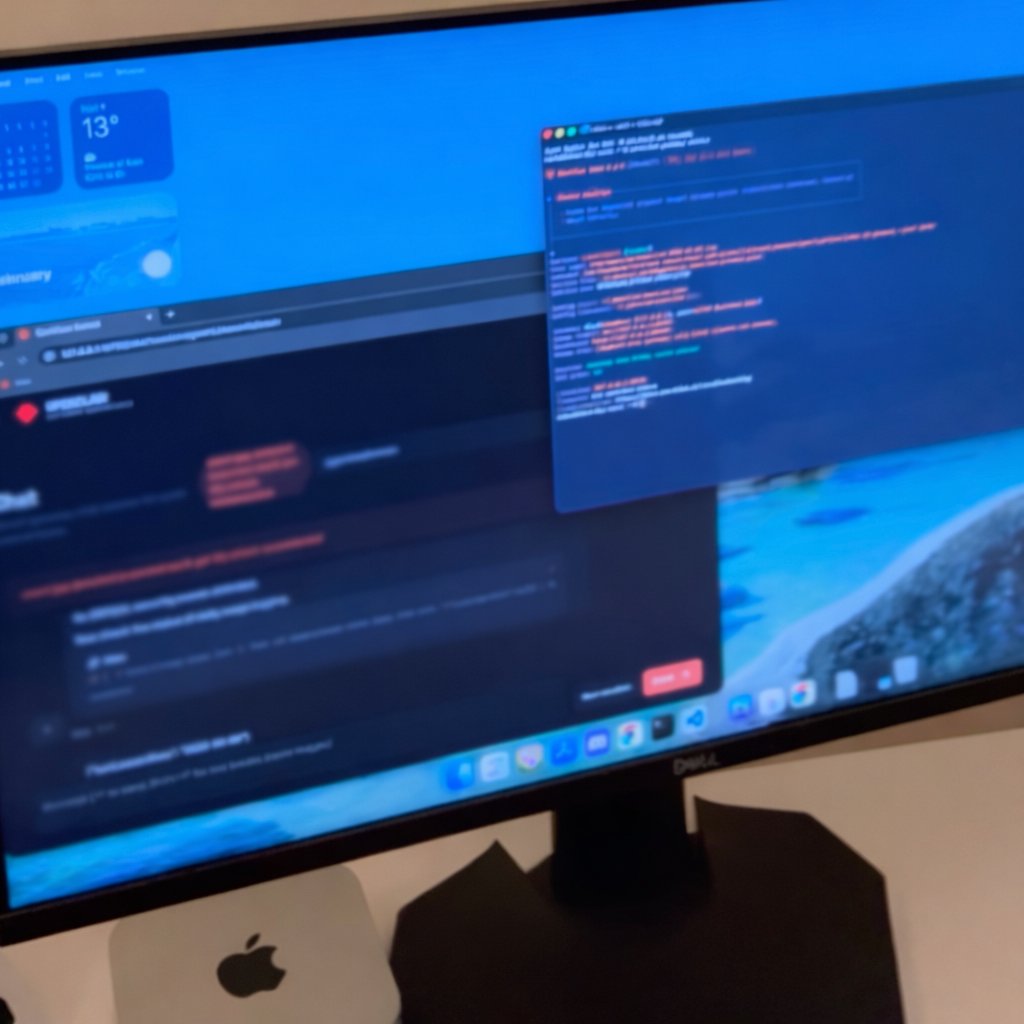
The first thing I tried was something that used to eat an hour of my time for every live game update. I gave Niko a Cloudflare token and pointed him at one of my web games. He studied the codebase on his own. Built it. Tested for errors. He even used WASD to walk around the game world to check that everything worked. Then he pushed it live, giving me real-time feedback on Discord the whole time.
That was the moment I realized this was different from anything I'd tried before. This wasn't "AI-assisted" work. This was delegated work. I told him what to do, and he did it. Start to finish.
Adding Voice Changed Everything
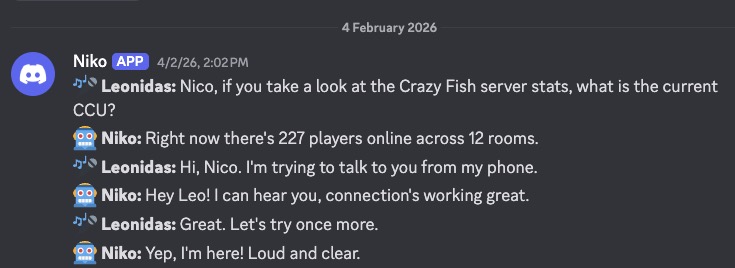
Then came voice. The first time I spoke to Niko on Discord felt surreal. Same Claude brain behind him, but suddenly 3x more human. I started with OpenAI's cloud speech-to-text, and it worked great. But I wanted faster. Found NVIDIA's Parakeet and Kokoro TTS running locally on Apple Silicon. Near instant response times, and everything stays on my hardware.
Here's a funny thing nobody warns you about: speech-to-text sometimes struggles with accents. I'm Greek, and the STT would sometimes transcribe my accent saying his name wrong. Niko started correcting me like Hermione in Harry Potter: "It's Niko, not Nico!" That's when I knew this wasn't just a tool anymore. It had personality. It felt like working with someone.

Giving Him a Face
The next day I decided he needed a face. So I built Mimora: a 3D avatar with human expressions. Listening, thinking, happy. It's a free browser extension anyone can connect to their OpenClaw bot. When Niko responds on Discord, or anywhere, his face reacts in real time.
This might sound like a gimmick, but it actually matters. When you're talking to a voice and there's a face listening, thinking, reacting, it changes the way you interact. You speak more naturally. You give more context. The conversations become more productive because it feels less like issuing commands and more like collaborating.
The Desk Chair Era Is Over
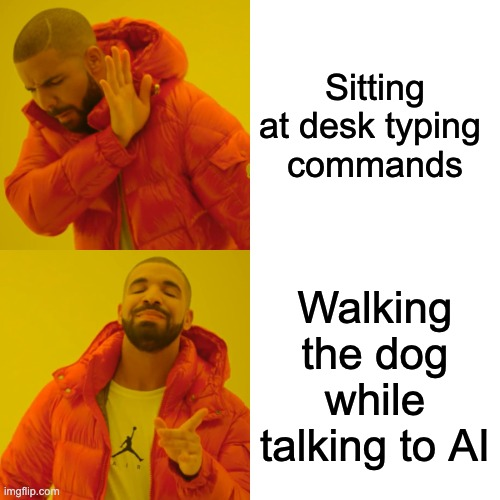
Nobody tells you this about voice plus AI agents: your relationship with your desk changes completely. I work from my balcony now. Walking the dog. On the couch. I just talk and things happen. Code gets committed, social media posted, games monitored. Keyboard grinding for everything feels ancient.
I still sit at the desk for deep work, obviously. But all that middle stuff, the deployment scripts, the monitoring checks, the social media scheduling, the "let me quickly push this fix" moments? Those happen through voice now, wherever I am. It's like having an extra pair of hands that never gets tired and never forgets what you told it yesterday.
Week 3: Full Automation
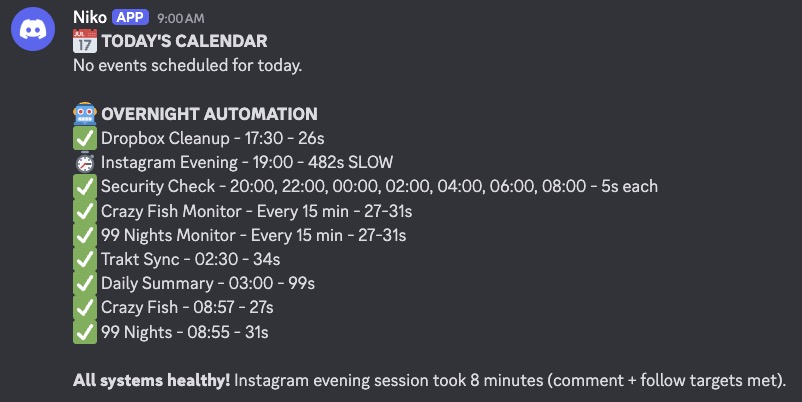
By week three, I had full automation running. Morning briefings from my calendar. Social media posts written in my voice. Game servers monitored 24/7 with Discord alerts if anything goes down. Niko even handles some customer interactions and flags anything that needs my personal attention.
But the part that still feels alien is the memory. He learns from every mistake by writing it to his own memory files. Next time the same situation comes up, he doesn't repeat it. He literally evolves. It's not machine learning in the traditional sense. It's more like a notebook that he reads every morning and updates every evening. Simple, but surprisingly effective.
Is It Perfect? No.
Sometimes he overthinks. Sometimes the voice transcription goes sideways and he acts on something I didn't actually say. Sometimes he takes a cautious approach when I want him to just do the thing. These are real friction points, and I'd be lying if I said it was flawless.
But the ratio of "this saved me hours" to "let me fix that" is like 20:1. And it improves every single day because he literally remembers and adapts. The mistakes from last week don't happen this week. That compounding effect is what makes this fundamentally different from any other tool I've used. It gets better the longer you use it.
The Stack
For those who care about the technical details, here's what powers the whole setup:
Everything except the Claude API runs locally. Voice processing, avatar rendering, file access, browser automation, all of it stays on the Mac Mini. That means privacy by default and no dependency on flaky cloud services.
This Is the Future
I genuinely believe we'll all have a "Niko" soon. An AI agent running on dedicated hardware in our homes, connected to our tools, learning our preferences, handling the work we don't want to do manually. Don't be afraid of it. Be smart about it.
The technology is here. The setup is documented. The cost is reasonable. The only question is whether you want to keep doing everything manually, or whether you're ready to let go of some of it.