Live in under 1 hour

Stop configuring.
Start commanding.

Your personal AI assistant, set up by a real person, running on your hardware. It reads your email, manages your calendar, drafts replies, and automates your daily work. Powered by Claude, ChatGPT, Gemini, or local models.

For business owners, professionals, and teams who want AI leverage without the technical setup.

Trusted by professionals worldwide

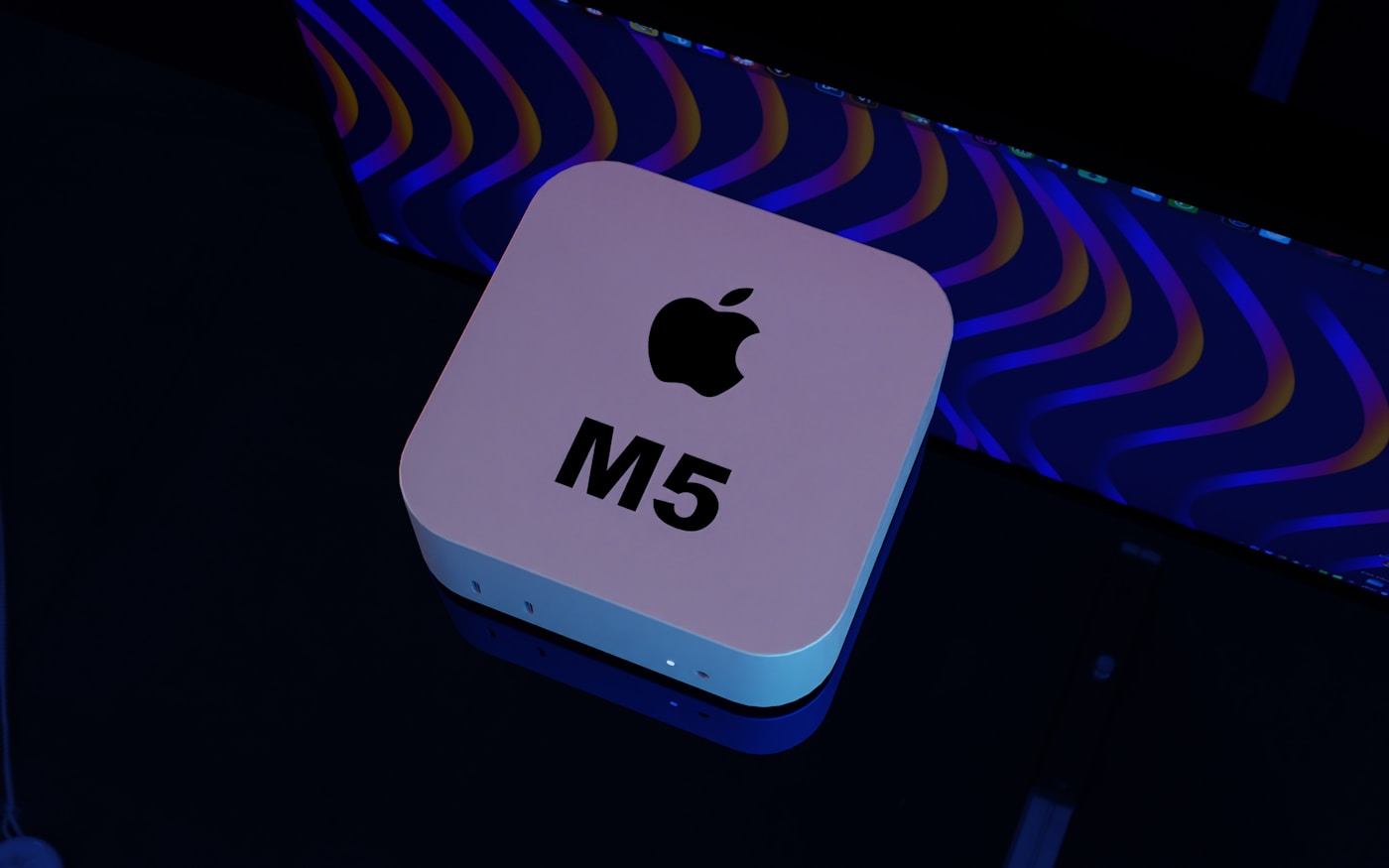
Mac mini - your always-on AI workhorse
Agent online - ready to help
You message
Mac Mini
AI thinks
Done

People are losing their minds over OpenClaw

These are real tweets from real users. This is what you get when we set it up for you.

From purchase to "hello" in one day

Every setup is a personal, 1-on-1 experience. Here's exactly what happens.

Step 1

Choose your plan

Pick the setup that fits your needs. Pay once — no subscriptions, no lock-in.

Step 2

We discuss your goals

A real person learns what you need — your tools, your workflows, your priorities.

Step 3

We set it up together

Live session on your machine. You watch everything happen — nothing hidden, nothing mysterious.

Step 4

You're live

Your AI agent says hello on your phone. Same day. You're up and running.

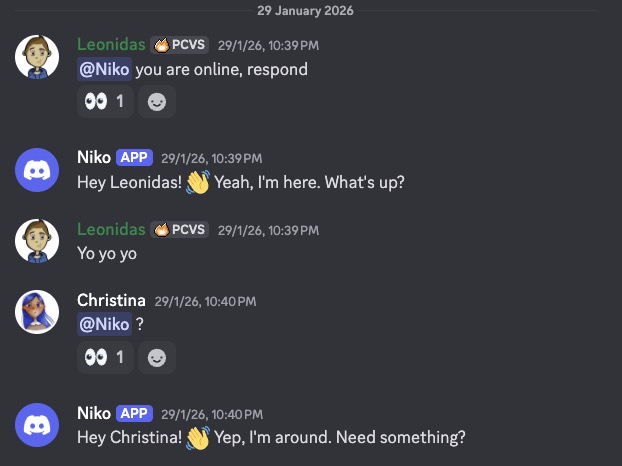
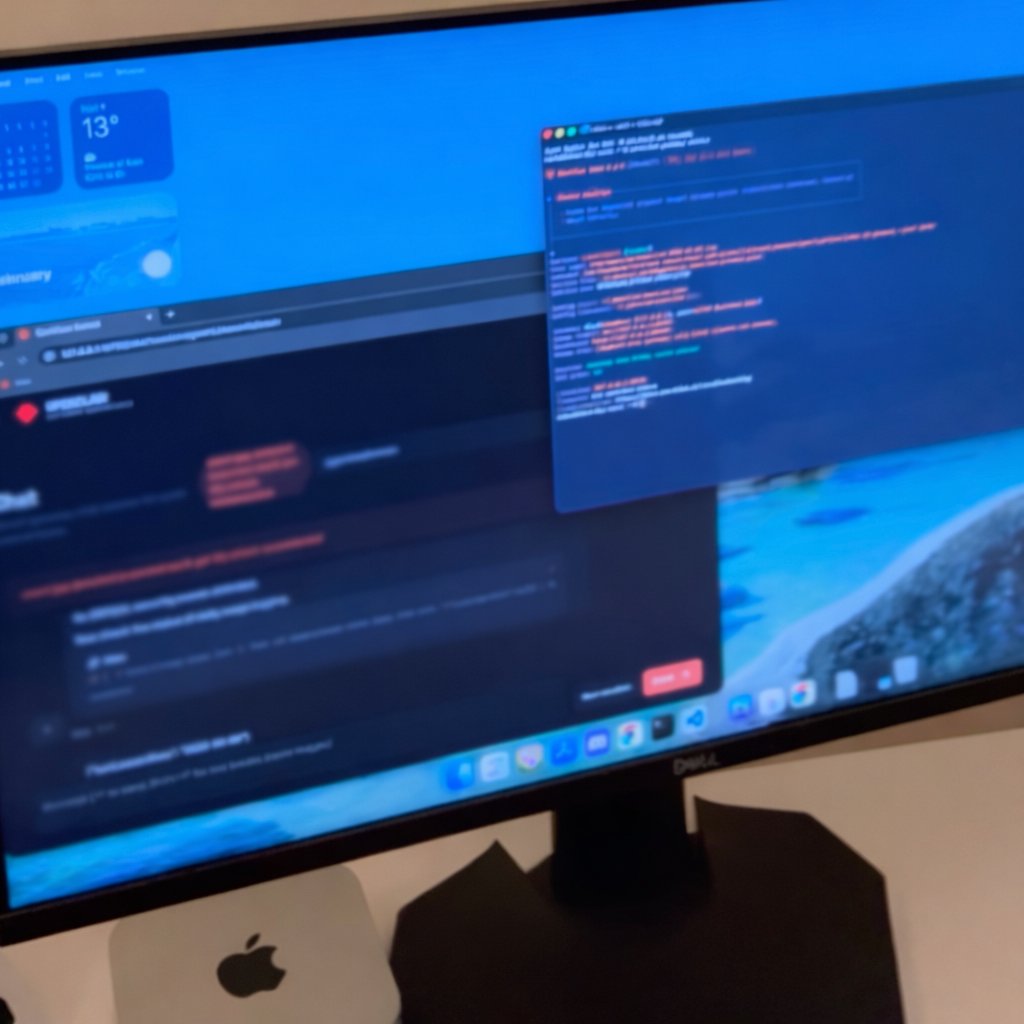
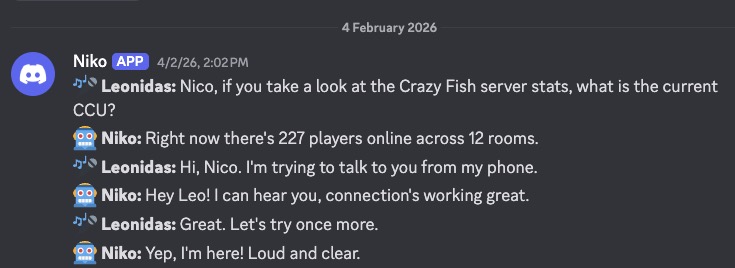
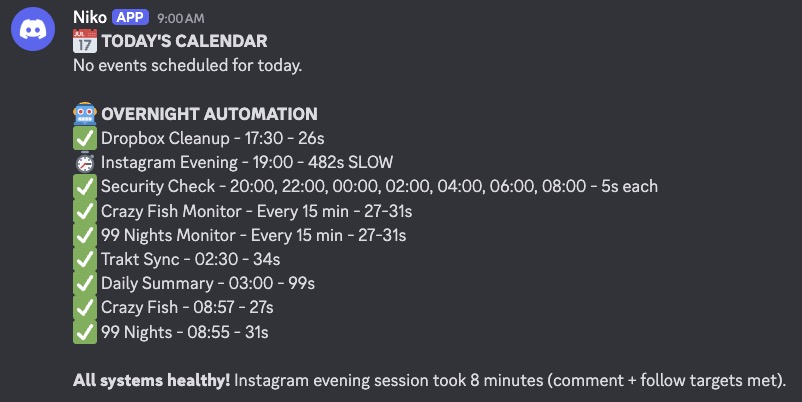
A real story, not a demo

Our founder gave an AI agent access to a Mac, his Discord, and his project folder. Here's what happened.

Built by AI, guided by voice

These are real products in production right now. Every line of code written by an AI agent. The human just talked.

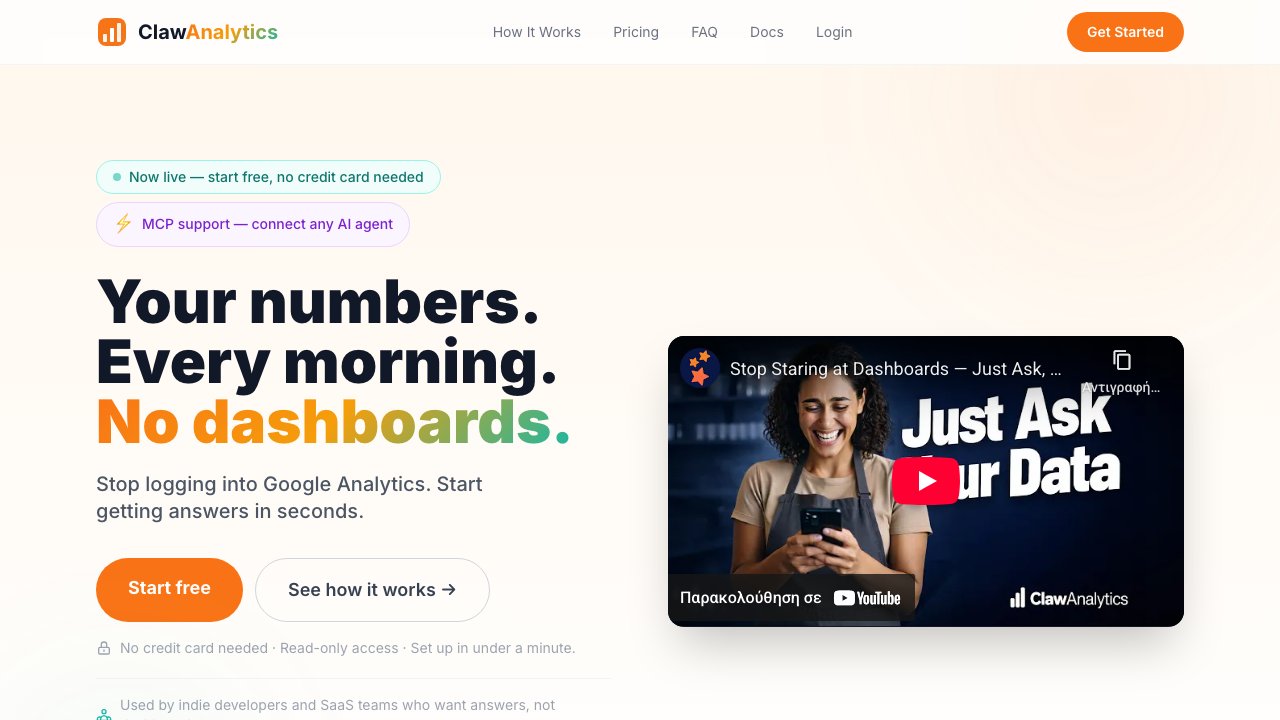
ClawAnalytics

ClawAnalytics

Full-stack AI analytics SaaS

Three subdomains, landing page, dashboard, and API. Zero lines typed by the human.

Visit site →
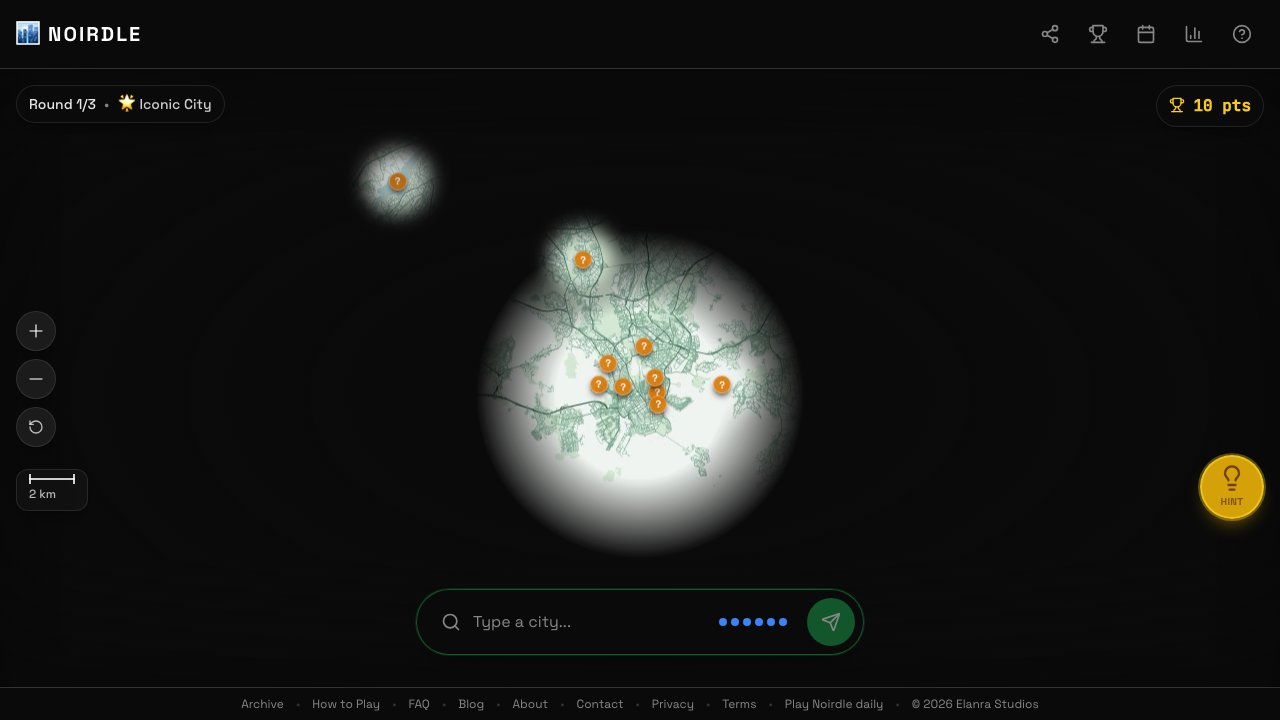
Noirdle

Noirdle

Geography guessing game

Deployed to production while the founder watched from his balcony.

Visit site →
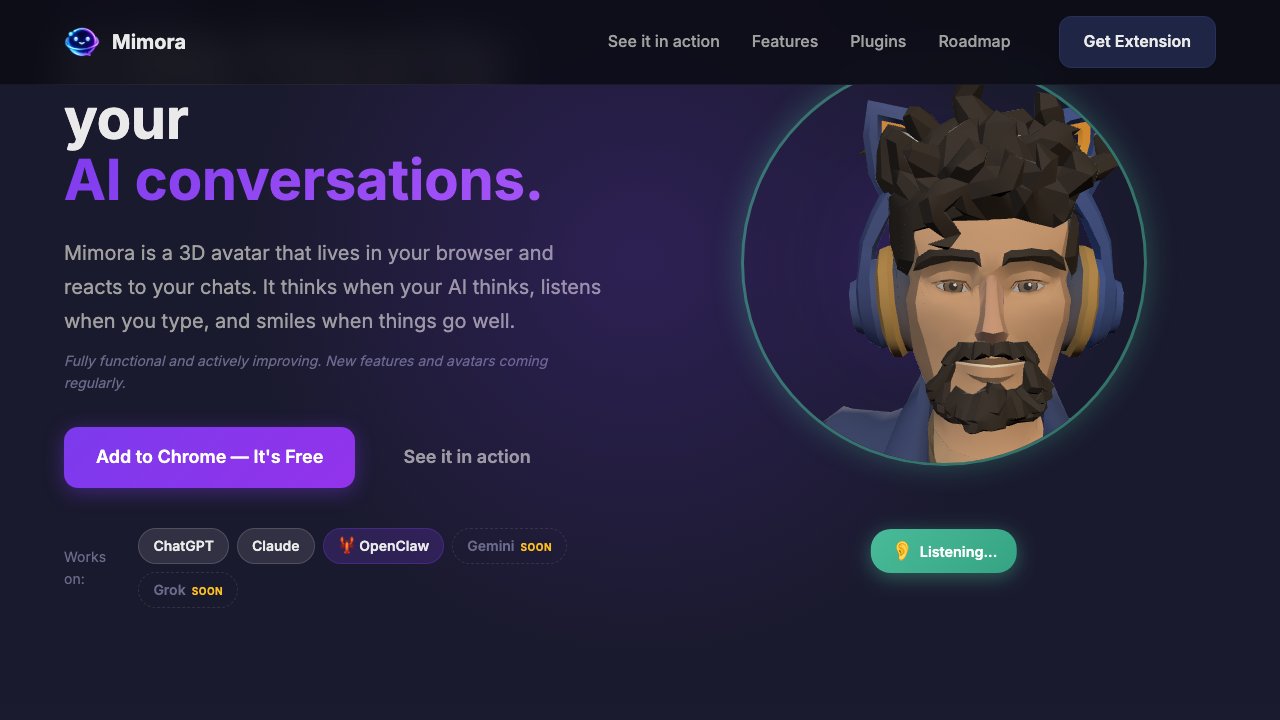
Mimora

Mimora

3D avatar Chrome extension

Built and shipped to Chrome Web Store. Real-time emotional expressions.

Visit site →
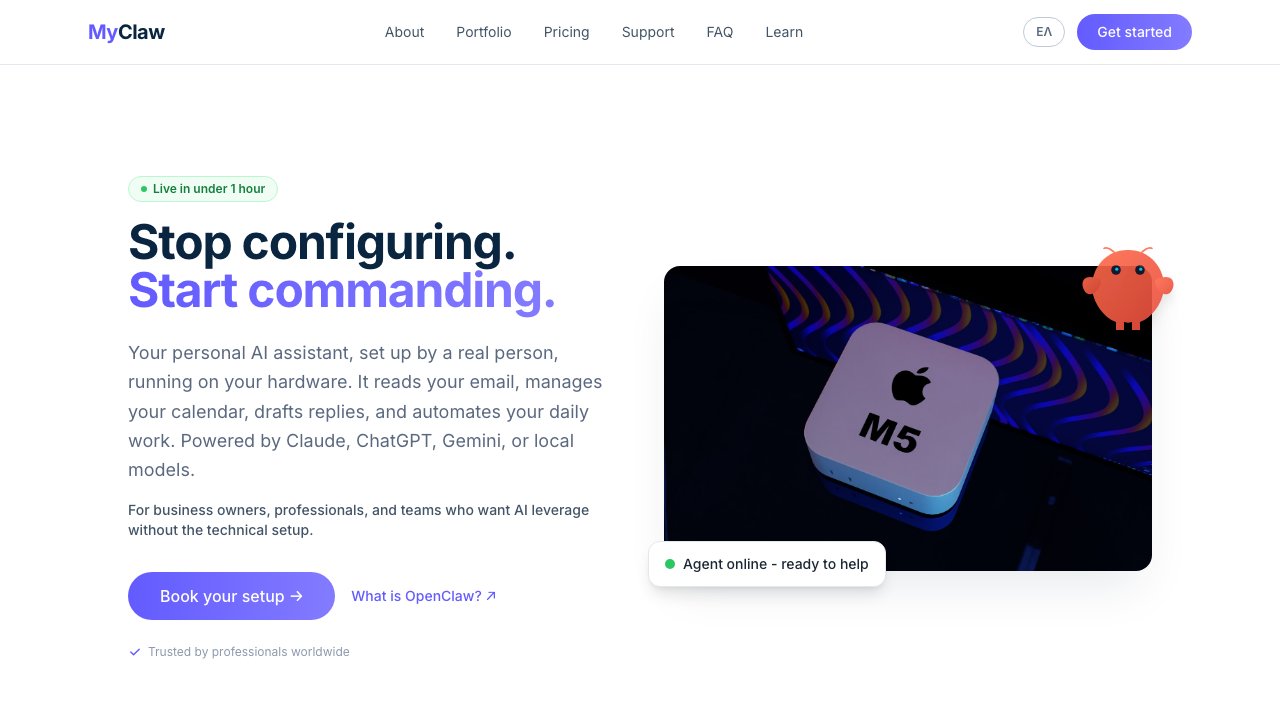
MyClaw

MyClaw

This website

The site selling the service was built by the service itself.

Visit site →
NightBloom

NightBloom

Coming soon

Dream journal iOS app

Dream journal iOS app with a landing page. Built through conversation, not Xcode.

Visit site →

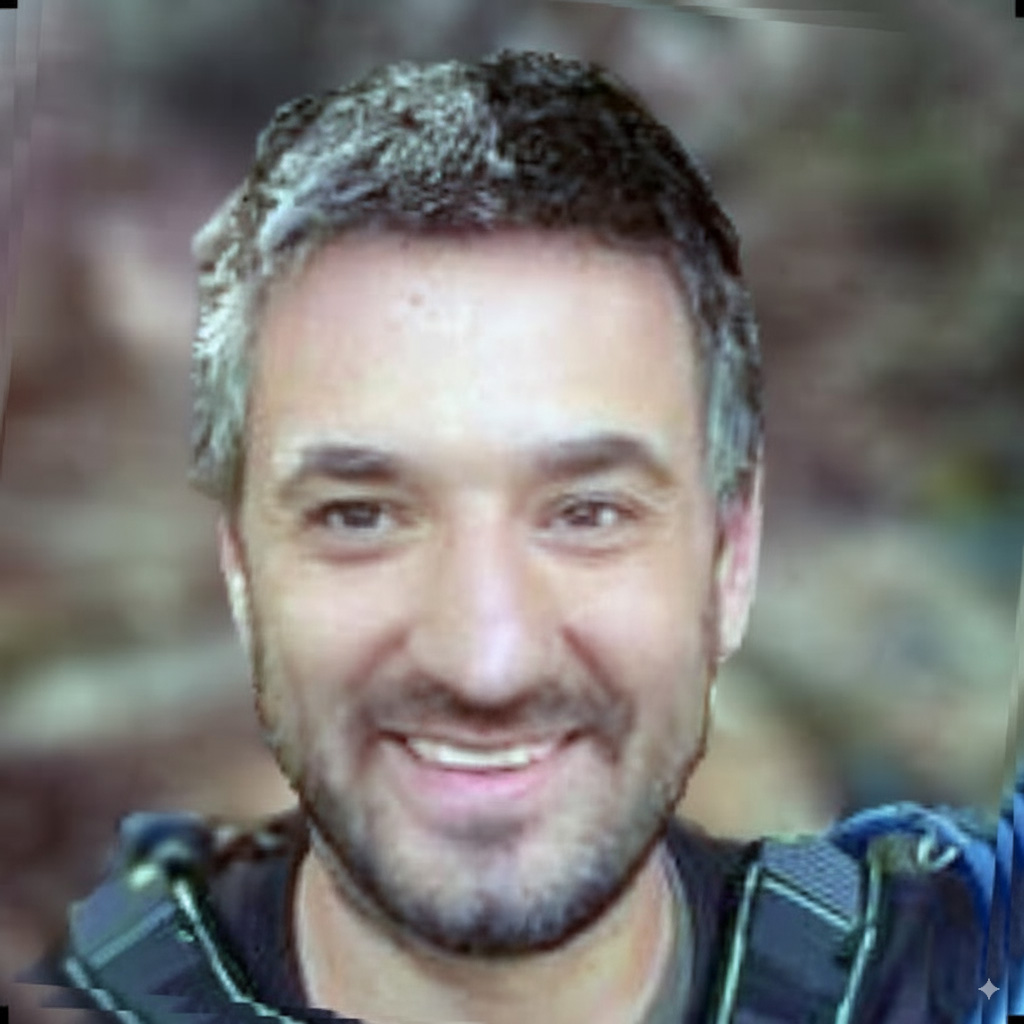
Meet the founder

Leonidas Maliokas

Leonidas Maliokas

Founder & Lead Engineer

Leonidas personally leads every MyClaw deployment. With 12+ years building production software - from multiplayer game engines to real-time 3D platforms - he brings deep systems expertise to every setup. Creator of the Solar Tools SDK for PlayCanvas, Founder & CEO of Elanra Studios, and featured in the PlayCanvas Developer Spotlight. He's been running OpenClaw on his own infrastructure since day one.

  • 12+ years shipping production software
  • Creator of Solar Tools SDK (PlayCanvas)
  • Founder & CEO, Elanra Studios
  • Runs OpenClaw with his team - 85%+ of daily work automated

What you get

Not features on a spec sheet — tangible outcomes, ready on day one.

AI agent installed and security-hardened on your Mac

Locked down from day one following the official security guide.

Connected to your email, calendar, and messaging apps

Gmail, Calendar, WhatsApp, Telegram, Discord, Slack — all wired up.

Custom workflows built for your specific needs

Daily briefings, automated reports, inbox triage — whatever saves you time.

Voice mode so you can talk to your agent

Real spoken conversations, hands-free. Included in Setup Pro.

Full operational training so you're self-sufficient

Token management, memory, crash recovery — you'll know it all.

7–14 days of dedicated support

We stay with you through the first days to make sure everything works.

🧠

Memory architecture that actually works

Most AI agents forget everything between sessions. We build a battle-tested memory system (MEMORY.md, SOUL.md, AGENTS.md) that gives your agent persistent context, personality, and operational rules from day one. This is the part most people can't figure out on their own.

Learn how it works →

Connects to everything

WhatsApp WhatsApp
Telegram Telegram
Discord Discord
Signal Signal
Gmail Gmail
Calendar Calendar
Slack Slack
Web Browser Web Browser

Security & your data

Your data never leaves your hardware. Every setup is security-hardened following the official OpenClaw guide — locked down before we hand it over.

🔒

Runs locally

Your files, memory, and settings stay on your device. No cloud storage, no third-party access.

🛡️

Hardened from day one

No public endpoints, locked credentials, sandboxed tools, explicit plugin allowlists.

🔍

Audited before handoff

Every setup includes a security audit. You can re-run it anytime.

Learn more about how your data stays private →

Your hardware. Your agent. No lock-in.

There are several ways to run OpenClaw. Here's how they compare.

Cloud hosting servicesMyClaw (your hardware)
Where it runs Their servers Your computer
Monthly cost $19–79/mo forever $0 after setup
If they shut down You lose access Nothing changes
Your data On their servers In your home/office
Lock-in Cancel = lose access Cancel care = agent keeps running
Setup cost $0–49 (but monthly forever) From $599 one-time

There are great cloud hosting options for OpenClaw. They make sense if you don't want to manage hardware. We exist for people who prefer to own their setup — pay once, run forever, no dependencies.

Why not just hire a freelancer?

You can find OpenClaw setup on freelance platforms for $30–200. The difference: we include security hardening, proper integrations, documentation, and up to 14 days of dedicated support. A freelancer installs it and moves on. We make sure it actually works for you.

Can I just set it up myself?

Yes — OpenClaw is open source. Here's what that looks like in practice.

DIY MyClaw
Install OpenClaw 30 min ✅ Included
Connect WhatsApp, Telegram, Discord 1–2 hours each ✅ Done on the call
macOS permissions & auto-start Trial and error ✅ Verified with reboot test
Memory & personality architecture Read docs, experiment ✅ Built together
Security hardening Most people skip this ✅ Audit included
Workflows (briefings, triage) Build from scratch ✅ Up to 5 configured
Crash recovery training Google it when it breaks ✅ Live training
Post-setup support Community Discord ✅ 7–14 days direct support

Installing OpenClaw takes 30 minutes. Getting it production-ready — channels, voice, security, workflows — takes a weekend if you know what you're doing. We do it in one call.

Pricing

Implementation

Setup

Best for: individuals and freelancers

Get your AI assistant up and running with the essentials.

$599 one-time
  • OpenClaw installation & security hardening
  • Email + calendar integration
  • 1 messaging channel (WhatsApp, Telegram, or Discord)
  • Operational guidance: token management, memory & crash recovery basics
  • 7 days dedicated support
Get started

Setup Pro

Most popular

Best for: businesses and power users

The full package. All integrations, local models, custom workflows.

$899 one-time
  • Everything in Setup
  • All messaging integrations
  • Voice mode: talk to your agent, it talks back
  • Custom workflows tailored to you
  • Security audit report
  • Optional local AI model for offline use (24GB+ RAM recommended)
  • Full operational training: token budgets, memory management, crash recovery, workflow optimization
  • 14 days dedicated support
Get started

OpenClaw is free open-source software. A cloud AI model (API tokens from Anthropic, OpenAI, OpenRouter, or Google) or powerful local hardware required separately. Hardware not included. Mac mini recommended. Managed Care is optional - your agent keeps running with or without it.

Training & Specialized Workflows

Professional Training

$250 one-time
  • 60-minute 1:1 OpenClaw expert training session
  • Custom workflow design for your real tasks
  • Team onboarding, SOPs & handoff documentation
Book training

Managed Care (optional)

Managed Care

$299 /mo
  • Priority email support (24h response)
  • Troubleshooting, advice & best practices
  • 1 remote session per month (30 min)
Start Managed Care

📧 Email [email protected] · 24h response · 1 remote session/month (30 min) · 🔒 No standing access to your machine

FAQ

What is OpenClaw? +
An open-source AI assistant platform that runs on your hardware. It connects to your email, calendar, browser, and tools — and actually does work for you. The intelligence comes from AI models like Claude, ChatGPT, or Gemini. OpenClaw is the infrastructure that ties it all together. openclaw.ai
Do I need technical skills after setup? +
No. You interact with your agent through chat — Telegram, WhatsApp, Discord, or the built-in web interface. Just type what you need in plain language, like messaging a colleague. We handle all the technical configuration during setup.
What do I need to get started? +
A Mac to run OpenClaw on (Mac mini recommended, starting at $599), and a cloud AI model. OpenClaw works with any major provider — Anthropic (Claude), OpenAI (ChatGPT), OpenRouter, Google (Gemini), and more. We'll help you choose the right option during kickoff.
What's included in implementation? +
Installation, security hardening, integration setup (email, calendar, messaging), custom workflow configuration, a structured memory system (so your agent remembers context across sessions), operational training, and a dedicated support period. Exact scope depends on the plan.
How long does setup take? +
About 1 hour. You go live the same day.
Do you offer support after setup? +
Setup includes 7 days of dedicated support, Setup Pro includes 14 days. After that, your agent runs independently. If you want ongoing expert help, our Managed Care plans offer Managed Care ($299/mo) with priority email and a monthly remote session.
How does voice mode work? +
Voice mode lets you have real spoken conversations with your agent - no typing needed. You speak, it listens, thinks, and responds out loud. It's the most natural way to interact with AI, especially when you're on the go or multitasking.

We set up speech-to-text and text-to-speech using models that run locally on your hardware - your voice never leaves your device. We can also configure cloud-based alternatives if you prefer higher accuracy.

Voice mode is included in the Setup Pro plan and works through Discord or Telegram.
Do I need a Mac? +
OpenClaw itself runs on macOS, Linux, and Windows. However, our setup service currently focuses on Mac mini. It's the ideal choice: small, silent, energy-efficient, and powerful enough to run local AI models. It sits on your desk, stays on 24/7, and just works. If you're buying new hardware specifically for this, we recommend the Mac mini (starting at $599).
What about data privacy? +
OpenClaw runs locally — your files, memory, and settings stay on your device. If you use cloud models (Claude, ChatGPT), your queries are sent to the AI provider. For complete privacy, we can set up local models where nothing leaves your machine.
How much does the AI model cost? +
OpenClaw itself is free. You need a cloud AI model to power it. API-based options (Anthropic, OpenAI, OpenRouter, Google) are pay-as-you-go — typically $5-20/month depending on usage. With Setup Pro, we can also configure local models that run entirely on your hardware at no ongoing cost (requires 24GB+ RAM).
Can I set it up myself? +
Absolutely — OpenClaw is open-source. We save you time and handle the parts that are tedious to get right: security hardening, integrations, memory architecture, and custom workflows.
Ready to get your AI assistant?

Setup takes about 1 hour. You go live the same day.