Your own AI assistant,
professionally set up.

OpenClaw is open-source software that turns your computer into a personal AI assistant — reading email, managing your calendar, drafting replies, and automating tasks. It's powered by AI models like Claude or GPT-4, and it runs on your hardware. We handle the setup so you don't have to.

For business owners, professionals, and teams who want AI leverage without the technical setup.

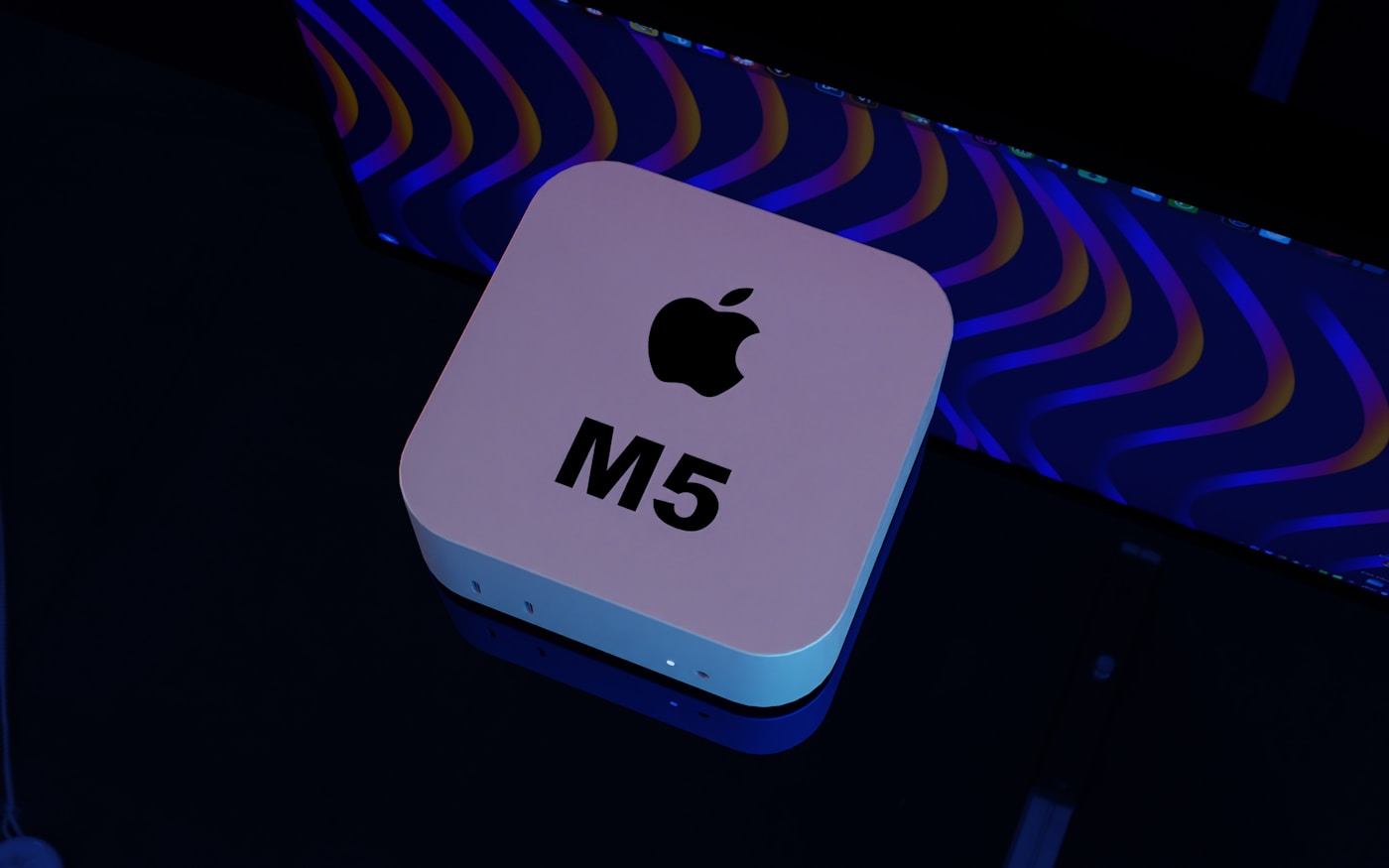
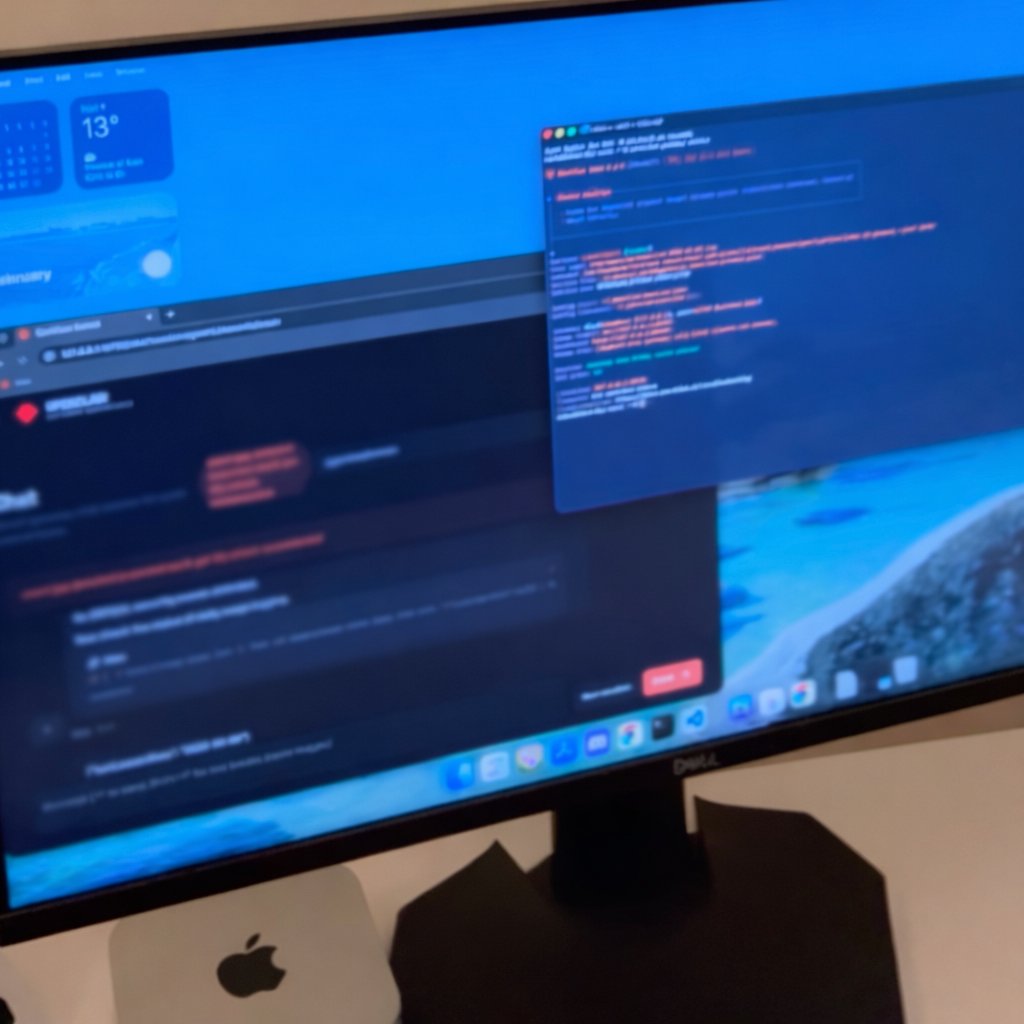
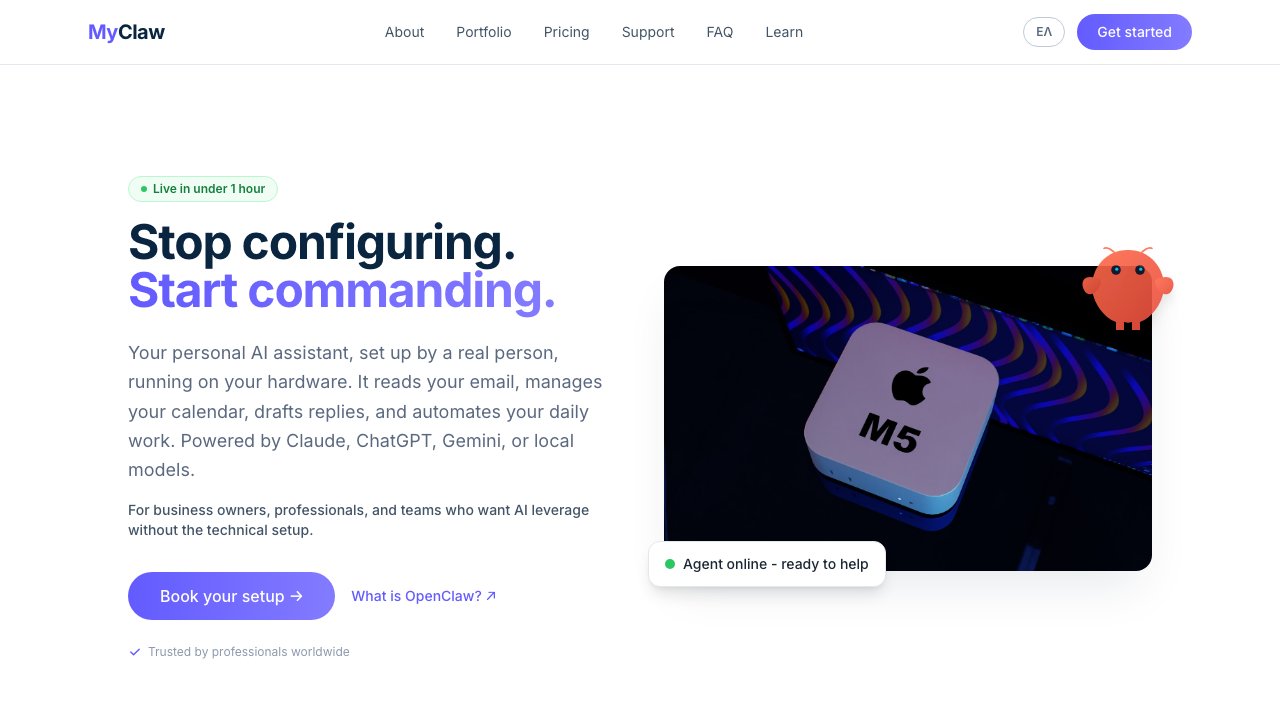
Mac mini - your always-on AI workhorse
Agent online - ready to help

Connects to everything

💬 WhatsApp
✈️ Telegram
🎮 Discord
🔒 Signal
📧 Gmail
📅 Calendar
💼 Slack
🌐 Web Browser

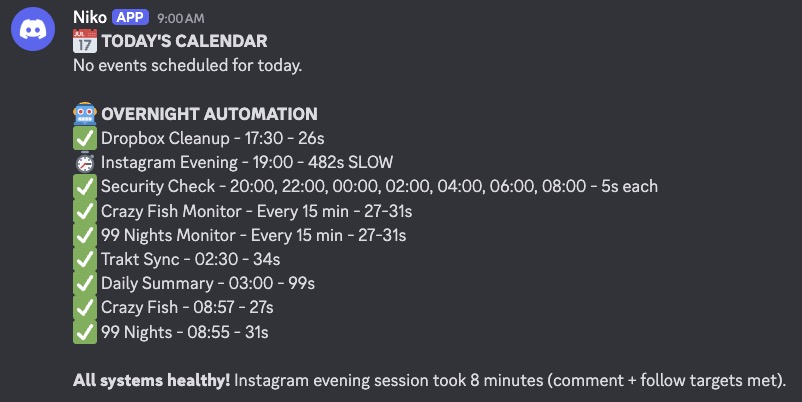
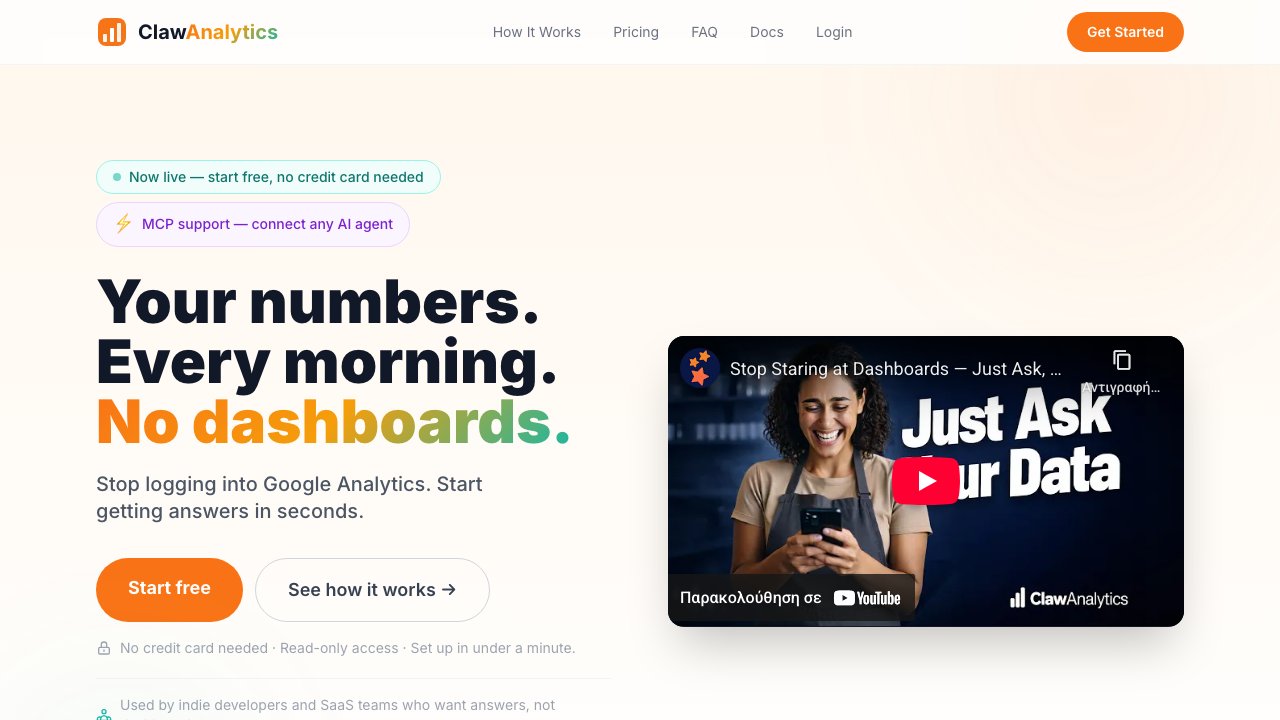
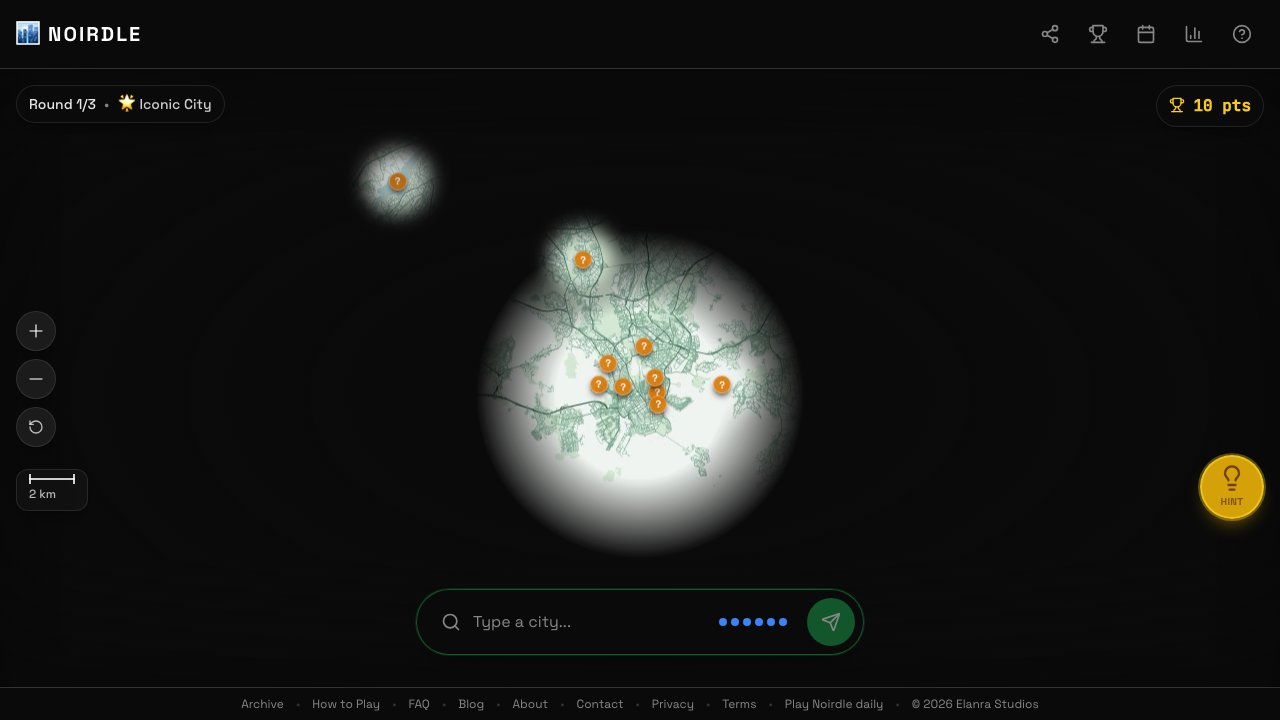
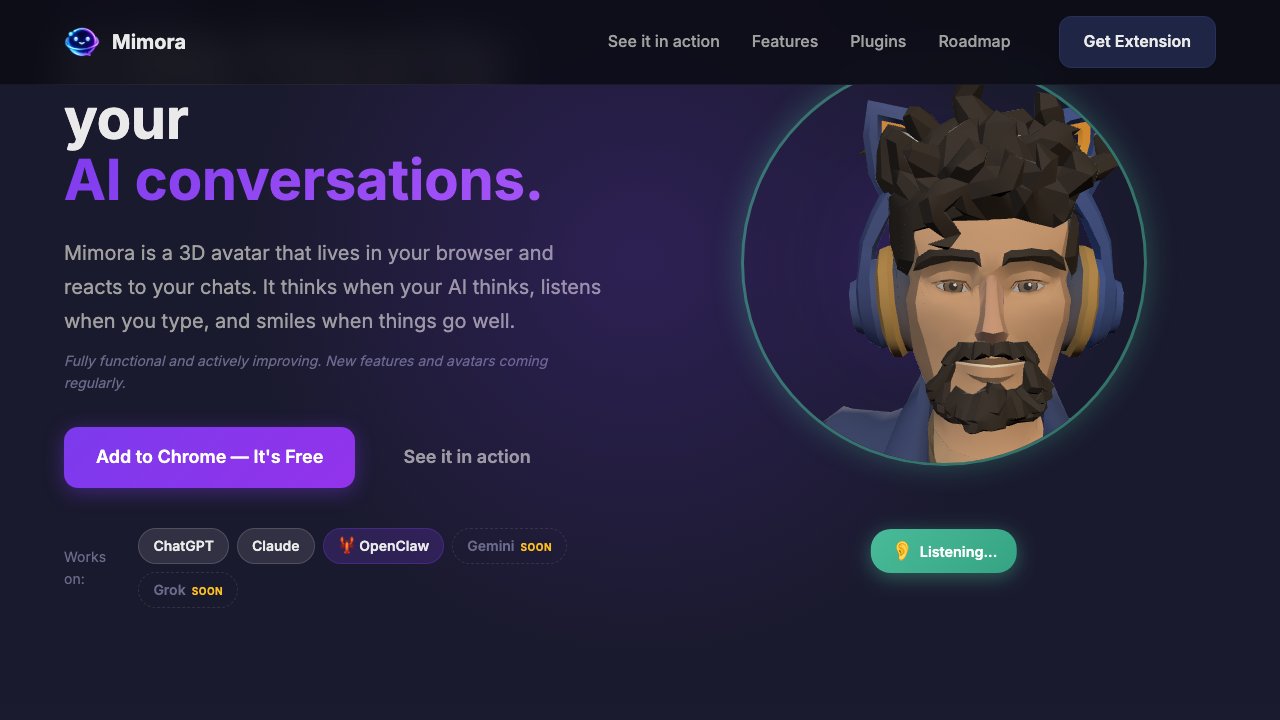
People are losing their minds over OpenClaw

These are real tweets from real users. This is what you get when we set it up for you.

See it in action

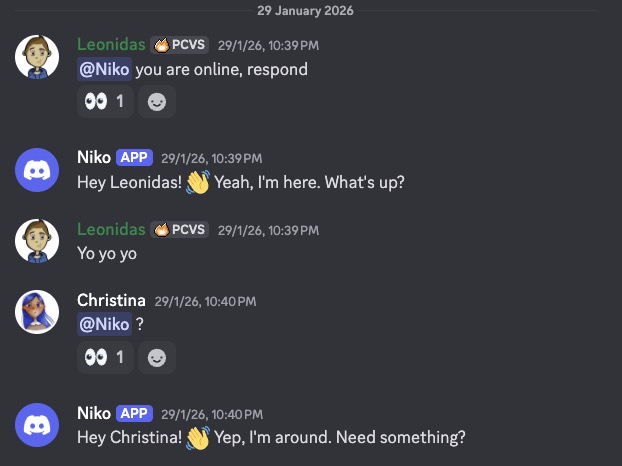
This is what talking to your agent looks like. From any app you already use.

💬 WhatsApp
What's on my calendar today?
You have 3 meetings: Standup at 9:30, Client call at 11:00, and Team sync at 3:00 PM. Want me to prepare notes for the client call?
Yes please, pull the latest from their folder
Done ✅ Notes compiled from 3 recent files. Sent to your email.
🎮 Discord
Send the proposal to [email protected]
📧 Sent! Subject: "Partnership Proposal - Q1 2026". Attached the PDF from your Dropbox. Want me to set a follow-up reminder?
Yes, remind me in 3 days
⏰ Reminder set for Thursday. I'll ping you here.

What your agent can do

📬

Triage your inbox

Reads incoming email, flags urgent items, archives noise, drafts replies for your review.

📅

Manage your calendar

Schedules meetings, detects conflicts, sends reminders.

💬

Chat from anywhere

Talk to your agent via Telegram, WhatsApp, Discord, or the built-in web interface.

🔍

Research on demand

Ask it to search the web, summarize documents, pull data.

⚙️

Automate workflows

Set up recurring tasks, monitoring, scheduled reports.

🎤

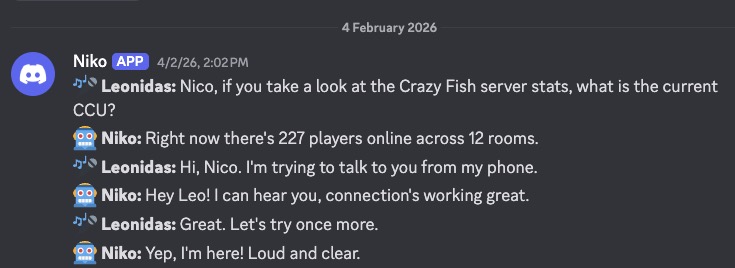
Voice conversations

Talk to your agent and hear it respond. Like a real conversation, through your phone or computer.

🕐

Works 24/7

Runs on your hardware around the clock, even when you sleep.

Meet the founder

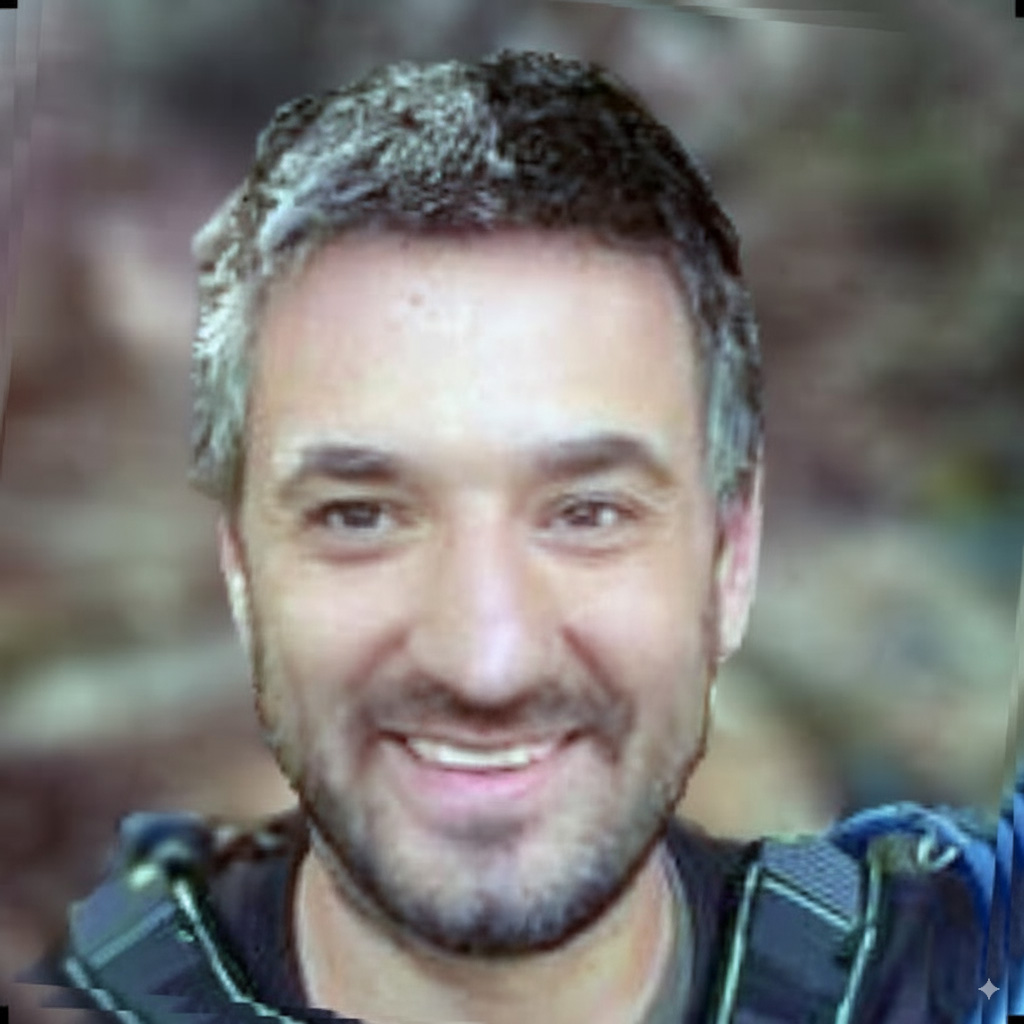
Leonidas Maliokas

Leonidas Maliokas

Founder & Lead Engineer

Leonidas personally leads every MyClaw deployment. With 12+ years building production software - from multiplayer game engines to real-time 3D platforms - he brings deep systems expertise to every setup. Creator of the Solar Tools SDK for PlayCanvas, Founder & CEO of Elanra Studios, and featured in the PlayCanvas Developer Spotlight. He's been running OpenClaw on his own infrastructure since day one.

  • 12+ years shipping production software
  • Creator of Solar Tools SDK (PlayCanvas)
  • Founder & CEO, Elanra Studios
  • Runs OpenClaw with his team - 85%+ of daily work automated

Security & your data

OpenClaw runs locally - your data stays on your hardware. We follow the official hardening guide so your agent is locked down from day one.

🔒

Inbound access locked

DM pairing, mention-gating in groups, explicit allowlists. No one talks to your agent without permission.

🌐

No public endpoints

Loopback-only binding. Your agent isn't exposed to the internet.

🛡️

Tool blast radius limited

Elevated tools restricted, sandboxing enabled. Your agent can't accidentally do damage.

📁

File permissions locked

Credentials and config locked to your user. No other process can read them.

🔑

Credentials in env vars

Never in prompts, redacted from logs. Your API keys stay safe.

🧩

Plugins explicitly allowed

No third-party or unaudited code. Only what you approve runs on your machine.

🔍 Every setup includes a security audit before handoff. You can re-run it anytime.

We don't just install — we teach

Most setups fail not because of bad software, but because nobody explains how to actually use it. We stay with you through the first days and make sure you know what you're doing.

🪙

Token & credit management

Learn how to use your AI subscription efficiently. We show you what burns through credits fast, how to set budgets, and how to get maximum value without overspending.

🧠

Memory management

AI agents have context windows that fill up. We teach you when to start new sessions, how to use memory files effectively, and how to keep your agent sharp — not sluggish.

🔧

Crash recovery

Things break. We show you exactly what to do: how to restart, recover state, check logs, and get back up and running in minutes — not hours.

🚀

Workflow optimization

The difference between "nice toy" and "essential tool" is knowing how to use it. We help you build workflows that actually save time, not create more work.

Other services install and disappear. We make sure you're confident and self-sufficient before we step back.

Your hardware. Your agent. No lock-in.

There are several ways to run OpenClaw. Here's how they compare.

Cloud hosting servicesMyClaw (your hardware)
Where it runs Their servers Your computer
Monthly cost $19–79/mo forever $0 after setup
If they shut down You lose access Nothing changes
Your data On their servers In your home/office
Lock-in Cancel = lose access Cancel care = agent keeps running
Setup cost $0–49 (but monthly forever) From $599 one-time

There are great cloud hosting options for OpenClaw. They make sense if you don't want to manage hardware. We exist for people who prefer to own their setup — pay once, run forever, no dependencies.

Pricing

Implementation

Setup

Best for: individuals and freelancers

Get your AI assistant up and running with the essentials.

$599 one-time
  • OpenClaw installation & security hardening
  • Email + calendar integration
  • 1 messaging channel (WhatsApp, Telegram, or Discord)
  • Operational guidance: token management, memory & crash recovery basics
  • 7 days dedicated support
Get started

Setup Pro

Most popular

Best for: businesses and power users

The full package. All integrations, local models, custom workflows.

$899 one-time
  • Everything in Setup
  • All messaging integrations
  • Local AI model setup (fully private)
  • Voice mode: talk to your agent, it talks back
  • 5 custom workflows tailored to you
  • Security audit report
  • Full operational training: token budgets, memory management, crash recovery, workflow optimization
  • 14 days dedicated support
Get started

Managed Care (optional)

Basic Care

$149 /mo
  • Monthly updates & maintenance
  • Email support (48h response)
  • Remote troubleshooting

Priority Care

$299 /mo
  • Priority email support (24h response)
  • Monthly check-in session
  • Remote troubleshooting & update management

OpenClaw is free open-source software. A cloud AI model (Claude Max recommended, or API tokens from OpenRouter/Claude/OpenAI) or powerful local hardware required separately. Hardware not included. Mac mini recommended. Managed Care is optional - your agent keeps running with or without it.

How it works

1

Kickoff

We discuss your goals, systems, and what you need.

2

Implementation

Install + harden + connect integrations + build workflows.

3

Go-live

You start using it the same day.

4

Support

7-14 days of fixes and tuning via email.

5

Managed Care

Monitoring, updates, and ongoing improvements.

Most setups take 1–2 hours. You go live the same day.

How OpenClaw works

OpenClaw is the platform. The AI model is the brain.

  • OpenClaw is free, open-source software that runs on your computer.
  • It connects to your email, calendar, messaging apps, and other tools.
  • To think and respond, it uses an AI model — either a cloud service (Claude, GPT-4) or a local model running on your hardware.
  • A cloud AI model is required. We recommend Claude Max (best experience). You can also use API tokens from OpenRouter, Claude API, or OpenAI. Local models are free but need more powerful hardware (24GB+ RAM).
  • Your files, memory, and settings always stay on your device. With cloud models, your queries are processed by the AI provider. With local models, everything stays private.

FAQ

What is OpenClaw? +
An open-source AI assistant platform that runs on your hardware. It connects to your email, calendar, browser, and tools — and actually does work for you. The intelligence comes from AI models like Claude or GPT-4. OpenClaw is the infrastructure that ties it all together. openclaw.ai
Do I need technical skills after setup? +
No. You interact with your agent through chat — Telegram, WhatsApp, Discord, or the built-in web interface. Just type what you need in plain language, like messaging a colleague. We handle all the technical configuration during setup.
What do I need to get started? +
A Mac to run OpenClaw on (Mac mini recommended, starting at $599), and a cloud AI model. We recommend a Claude Max subscription for the best experience. Alternatively, you can use API tokens from OpenRouter, Claude API, or OpenAI. We'll help you choose the right option during kickoff.
What's included in implementation? +
Installation, security hardening, integration setup (email, calendar, messaging), custom workflow configuration, and a support period. Exact scope depends on the plan.
How long does setup take? +
1–2 hours. You go live the same day.
Do you offer support after setup? +
Setup includes 7 days of email support, Setup Pro includes 14 days. For ongoing support, choose a Managed Care plan.
How does voice mode work? +
Voice mode lets you have real spoken conversations with your agent - no typing needed. You speak, it listens, thinks, and responds out loud. It's the most natural way to interact with AI, especially when you're on the go or multitasking.

We set up speech-to-text (STT) and text-to-speech (TTS) using local models that run entirely on your hardware - your voice never leaves your device. For STT we use models like Parakeet (by NVIDIA), and for TTS we use Kokoro or Chatterbox - fast, natural-sounding voices that run locally. If you prefer, we can also configure cloud-based alternatives like OpenAI Whisper and OpenAI TTS as fallbacks for even higher accuracy.

Voice mode is included in the Setup Pro plan and works through Discord, Telegram, or the built-in web interface.
Do I need a Mac? +
OpenClaw itself runs on macOS, Linux, and Windows. However, our setup service currently supports Mac only - Mac mini, Mac Studio, MacBook, or iMac. The Mac mini is the ideal choice: small, silent, energy-efficient, and powerful enough to run local AI models. It sits on your desk, stays on 24/7, and just works. If you're buying new hardware specifically for this, we recommend the Mac mini (starting at $599).
What about data privacy? +
OpenClaw runs locally — your files, memory, and settings stay on your device. If you use cloud models (Claude, GPT-4), your queries are sent to the AI provider. For complete privacy, we can set up local models where nothing leaves your machine.
How much does the AI model cost? +
OpenClaw itself is free. You need a cloud AI model to power it - Claude Max subscription is recommended. API-based options (OpenRouter, Claude API, OpenAI) are pay-as-you-go. With Setup Pro, we can also configure local models that run entirely on your hardware at no ongoing cost (requires 24GB+ RAM).
Can I set it up myself? +
Absolutely — OpenClaw is open-source. We save you time and handle the parts that are tedious to get right: security, integrations, workflows, and ongoing maintenance.

Ready to get your AI assistant?

Setup takes 1-2 hours. You go live the same day.